> ## Documentation Index
> Fetch the complete documentation index at: https://bunnynet-cb9733c2-claude-jolly-knuth-pm0k5x.mintlify.site/llms.txt
> Use this file to discover all available pages before exploring further.
# Update App
> Update your container to a new image version.
To update a [deployed container](/magic-containers/quickstart) to a new image version, make sure the new version is available in your container registry, then follow these steps.
Go to **Magic Containers** and select the container you want to update. Click **Container Settings**, then click **Edit**.
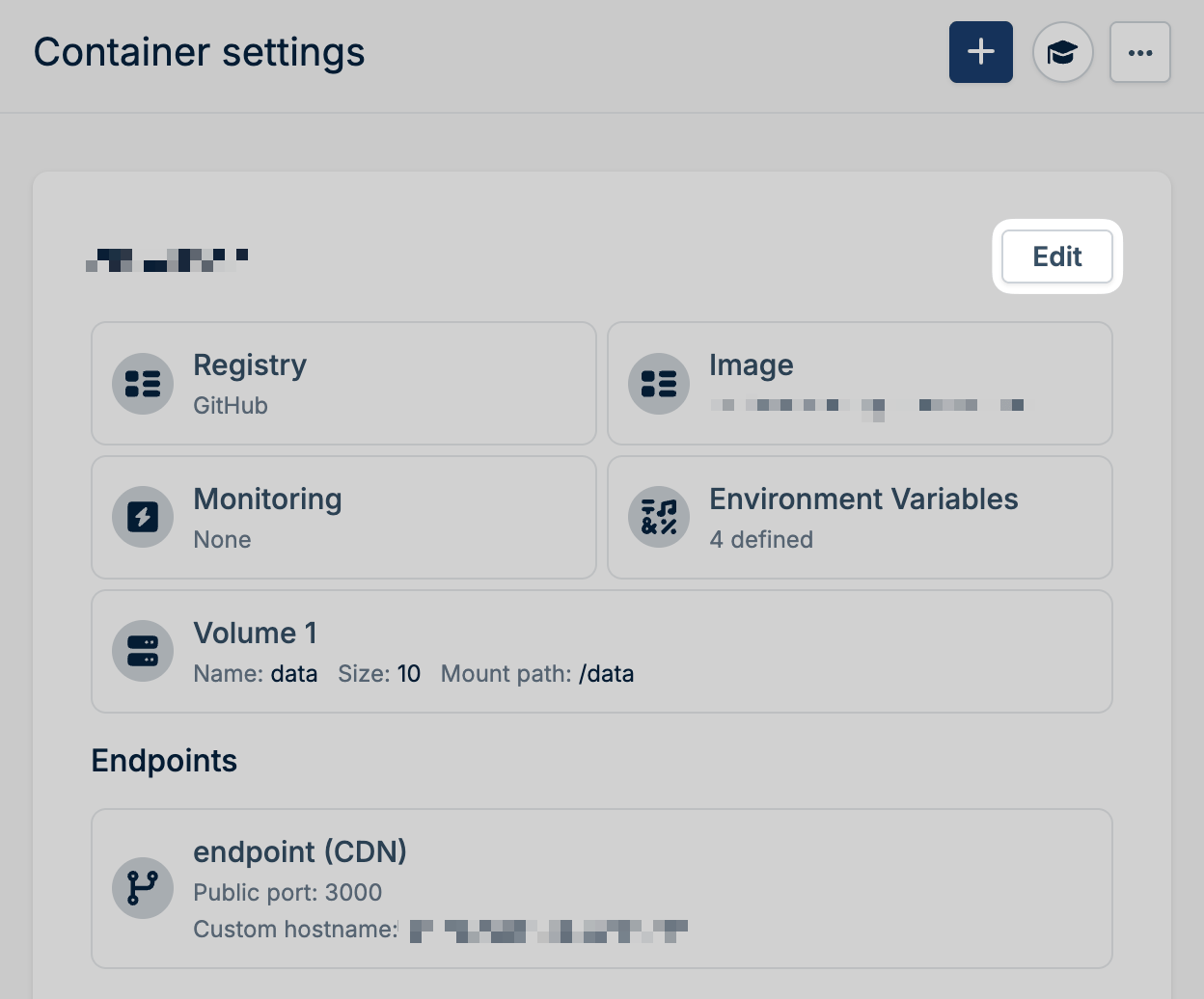 Select the new version from the image dropdown.
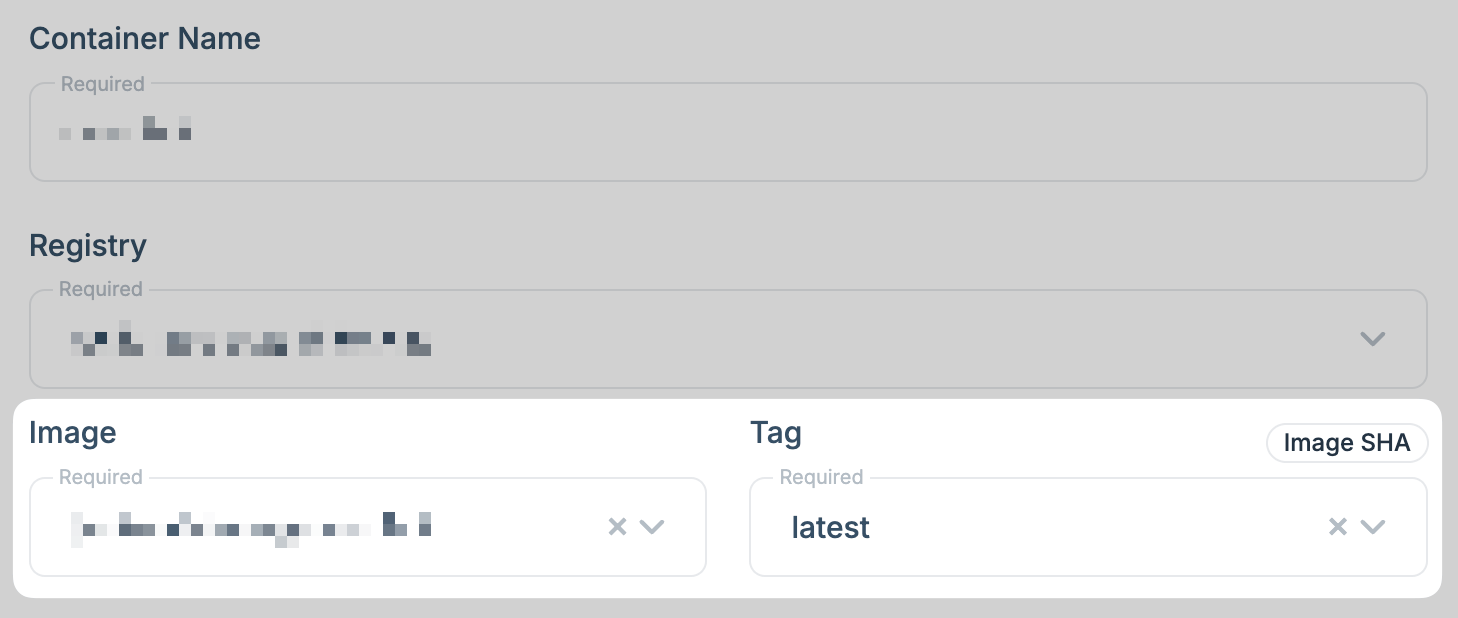 Click **Update Container** to deploy the new version.
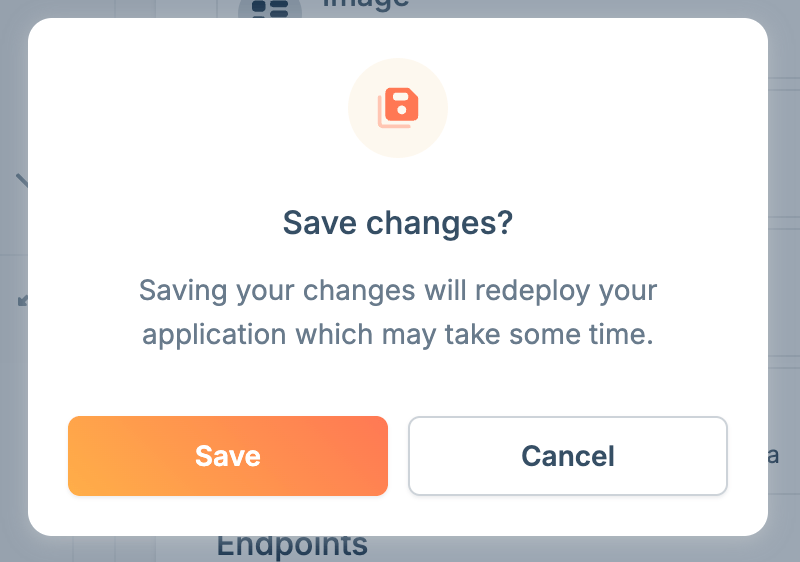
 If there are no other changes to make to the app, click **Save Changes** to trigger a new deployment.
 Confirm the changes in the modal that pops up.
 Once saved, you'll see a **Processing** indicator while the app restarts with the new image version.
To automate deployments, you can use a [GitHub
Action](/magic-containers/deploy-with-github-actions) to update your container
whenever you push changes to your repository.
Once saved, you'll see a **Processing** indicator while the app restarts with the new image version.
To automate deployments, you can use a [GitHub
Action](/magic-containers/deploy-with-github-actions) to update your container
whenever you push changes to your repository.